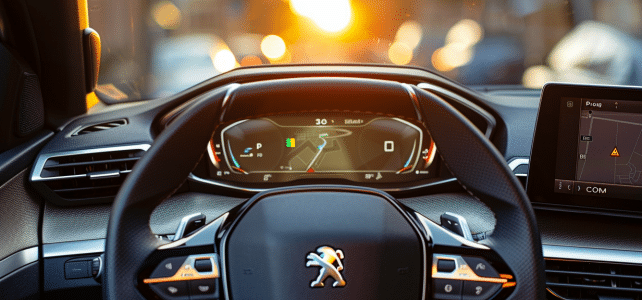
In the era of ubiquitous connectivity, keeping your navigation system up to date is essential for effective and safe driving. Owners of a Peugeot 308, you know how important it is to have an accurate GPS to guide you during your travels. The update process may seem complex and costly. However, there is a method to update your navigation system at no additional cost. This not only ensures the accuracy of the routes taken but also allows you to benefit from the latest features and software improvements offered by the manufacturer.
Practical guide for free GPS update on a Peugeot 308
Preparing for the free GPS update for Peugeot 308: First and foremost, have your vehicle’s serial number, commonly known as the VIN, which is essential for accessing the map update service. This is usually found on the registration certificate or engraved on the chassis of the car. Make sure you have a blank USB drive, which will serve as the medium for transferring the update data between your computer and the navigation system of your Peugeot 308.
Read also : How to Choose the Ideal Travertine for Your Pool?
Downloading procedure via the Peugeot website: Log in to the dedicated Peugeot website and enter the VIN to identify your vehicle. You will find detailed instructions for downloading the map update files. Download these files directly onto the previously formatted USB drive in FAT32 to ensure optimal compatibility with your vehicle’s infotainment system, the NAC (Connected Audio Navigation).
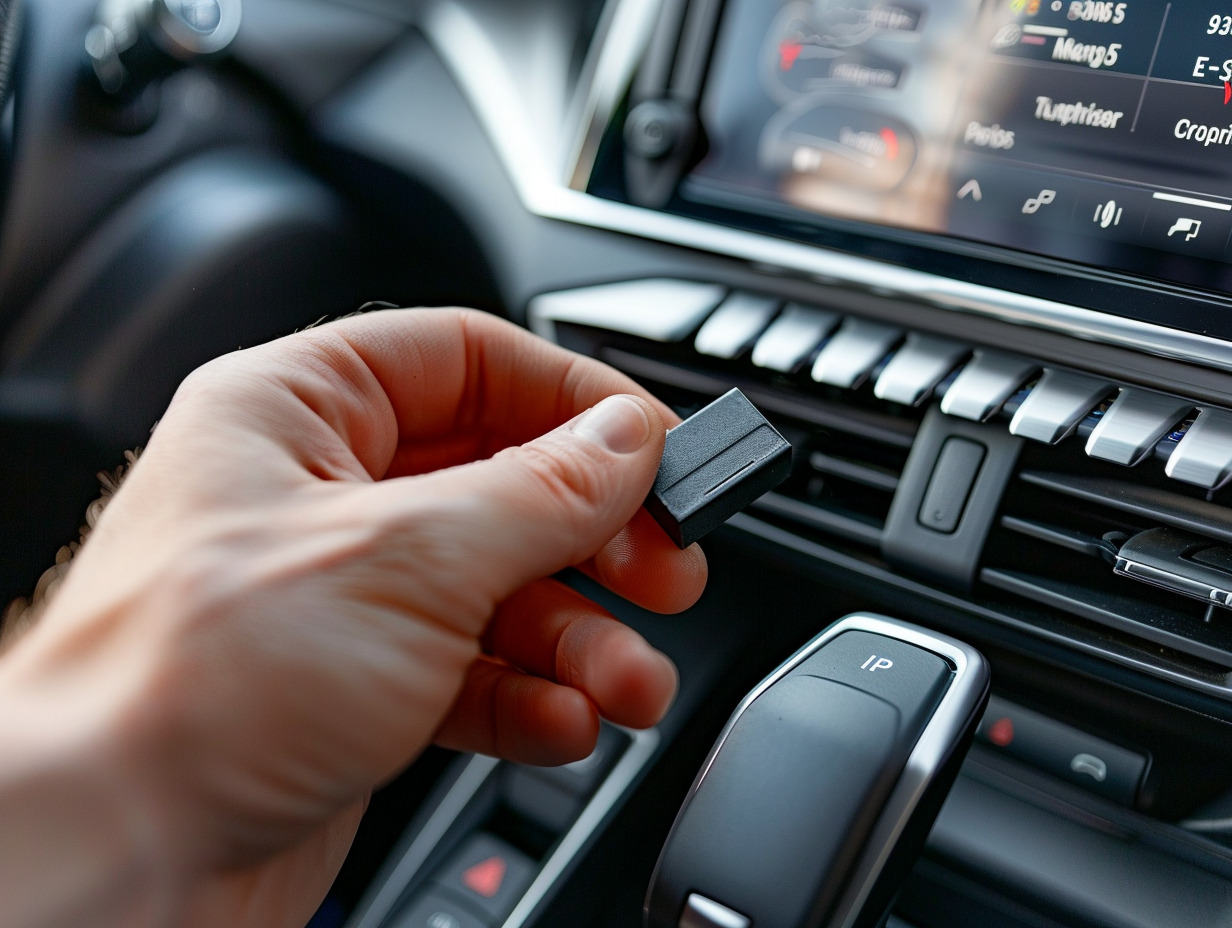
Installing the update via My Peugeot App: Once you have obtained the necessary files, insert the USB drive into the dedicated port of your Peugeot 308 and follow the on-screen instructions to install the update. You can also use the My Peugeot App mobile application, which offers additional features for tracking and managing updates to your navigation system. After installation, you will enjoy an enhanced navigation experience, with updated maps and optimized routes.
You may also like : How to Solve Common Dashboard Issues on a Citroen C3
Tips and tricks to optimize your navigation system after the update
Adapting to French roads: After updating your Peugeot 308 GPS, take the time to configure the system according to the specifics of French roads. Precise adjustments will allow you to fully benefit from the latest road data, essential for reliable and updated navigation. The integration of new infrastructures or changes in traffic are elements that require special attention to ensure a calm and efficient driving experience.
Collaboration with TomTom: Be aware that Peugeot’s navigation systems, like the built-in GPS of your 308, often work closely with reputable navigation providers, such as TomTom. This synergy ensures a high-precision geolocation service, enriched with constantly updated data. Make sure to fully leverage this technological partnership by checking connectivity settings and staying informed about any additional updates offered by these partners.
Using connected services: To optimize your navigation experience, take advantage of the connected services available on your vehicle’s SMEG infotainment system. Once activated, these services provide real-time information on traffic, weather, and danger zones, contributing to a more informed and anticipatory driving experience. Ensure that your mobile data plan is suitable to make the most of these features continuously.
Compatibility with Android Auto and Apple CarPlay: For seamless integration of your smartphone, the GPS of your Peugeot 308 is generally compatible with Android Auto and Apple CarPlay. This compatibility allows you to mirror certain applications from your phone directly onto the vehicle’s screen, facilitating access to maps, music, and messages. Be sure to check for specific updates for these applications to ensure perfect synergy between your smartphone and your car’s navigation system.