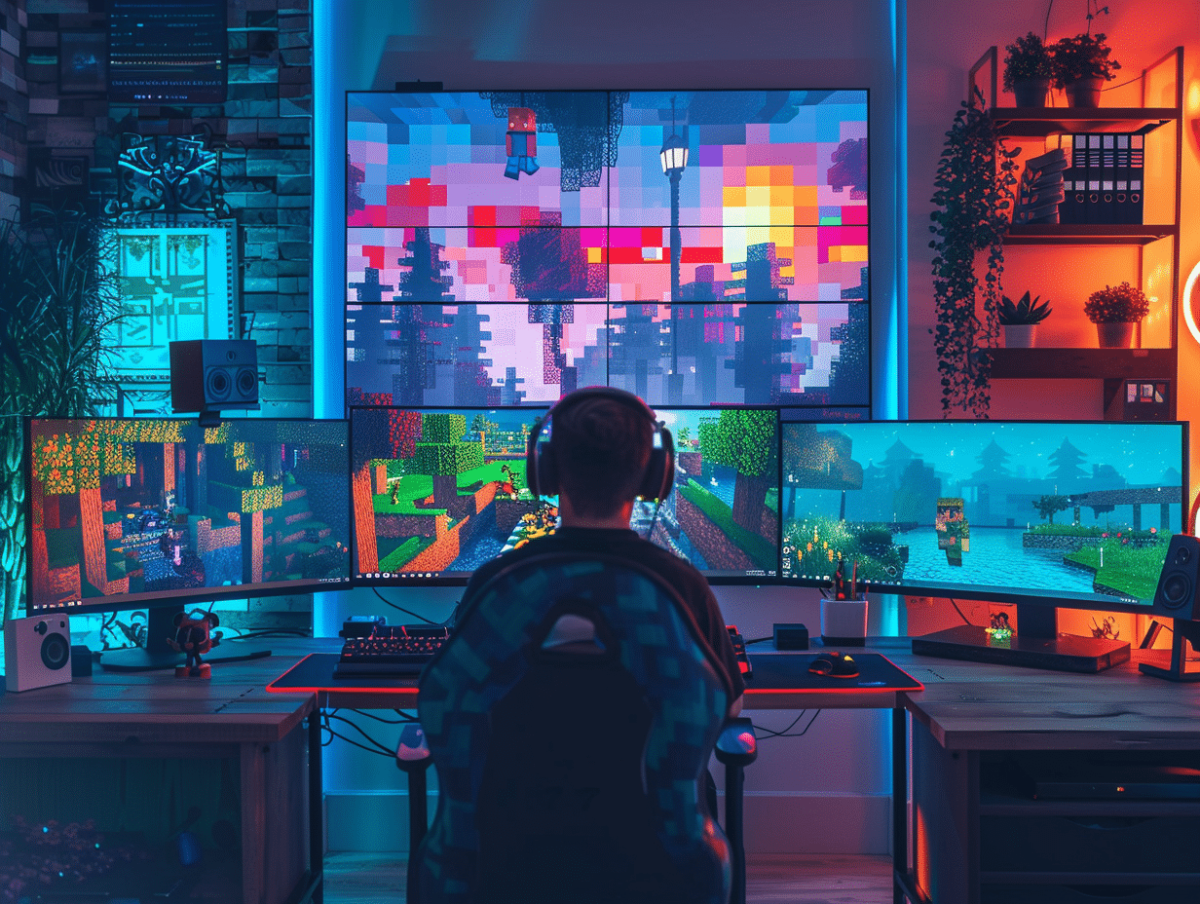
The pixelated universe of Minecraft offers an almost infinite canvas for creativity and adventure, but sometimes the experience can be hindered by suboptimal technical performance or less intuitive user interaction. Fortunately, several tips and modifications can be implemented to significantly improve gameplay. From adjusting graphic settings to installing mods, using texture packs, and participating in dedicated servers, players have a range of strategies to customize and refine their gaming experience. These adjustments can not only enhance performance but also renew interest and enjoyment in playing.
Improving Minecraft Performance
Let’s address the thorny issue of Minecraft: Java Edition performance. It is common for the game to suffer from low FPS, a symptom of resource-hungry applications running in the background or insufficient processing power. To counter this, consider using mods such as FPS Reducer, Better FPS, or the effective trio Sodium, Lithium, and Phosphor. These tools are designed to optimize Minecraft and increase FPS, providing a smoother and more enjoyable experience.
The choice of operating system can influence resource consumption. Linux, for example, proves to be less memory-intensive compared to other OS. It requires about 1.2GB of RAM to run Minecraft 1.7.3 properly, which is relatively modest. For Linux users, the command java -Xms2G -Xmx3G -jar Minecraft.jar launches the game with an initial memory allocation of 2GB and a maximum of 3GB, allowing for finer resource management.
Let’s touch on a sensitive topic that runs through gaming communities: the Minecraft crack. It should be emphasized that using unofficial versions of the game can not only compromise computer security but also degrade the gaming experience due to poor optimization and technical support. Always prioritize authentic and updated versions, ensuring performance and stability. Find the perfect balance between hardware and software configurations for a Minecraft gaming experience that meets your expectations.
Customization and Mods for a Unique Gaming Experience
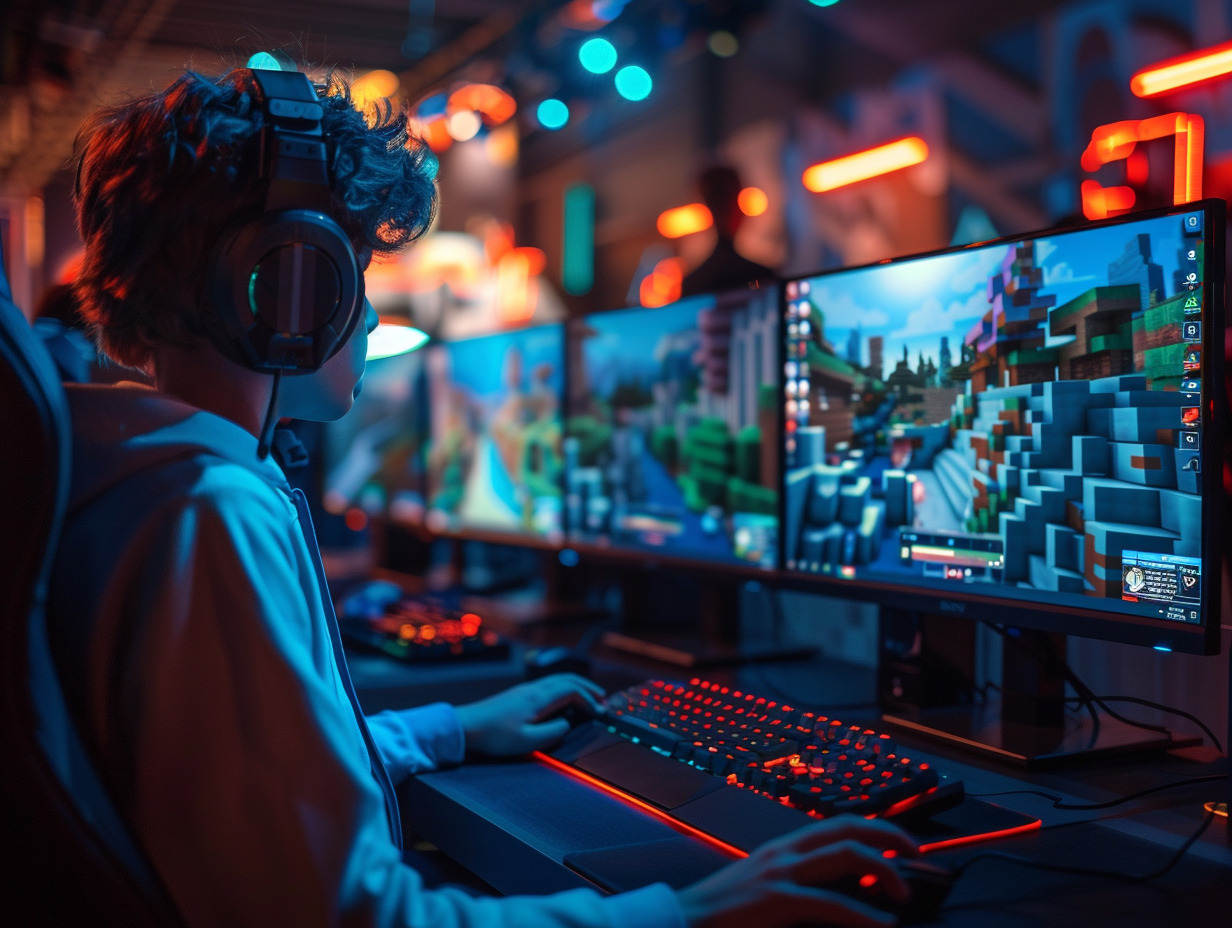
Customization is the very essence of the creativity offered by Minecraft: Java Edition. Mods, these extensions developed by the community, allow players to tailor the game to their desires. Among them, Optifine stands out by offering improvements in graphic performance and optimization, while adding advanced visual customization options. This mod is a must-have for those looking to enhance the aesthetics of their Minecraft universe.
The user interface is not left behind with mods like Unity 2D, which provides a cleaner and more modern visual experience. The simplicity and efficiency of these interfaces allow players to navigate more easily through menus and access essential commands with increased fluidity. Adjust the debug menu and game options menu according to your needs for complete control over your gaming environment.
Other mods, such as FPS Reducer and Better FPS, directly tackle the game’s internals to improve performance. They work on a technical level to reduce system resource usage and optimize the frame rate.
The trio of mods Sodium, Lithium, and Phosphor represents a comprehensive suite dedicated to optimizing Minecraft: Java Edition. They respectively modify graphic rendering, memory management, and lighting behavior for enhanced performance. These modifications allow for a smoother gaming experience, even on machines with limited capabilities. Customize your game with these tools for an experience that is both beautiful, fluid, and unique.